Technical Skills
HTML, CSS, JavaScript, Brand Design, Prototyping
Tools
Figma, Visual Studio Code, Chrome DevTools, Clip Studio Paint, Github
Timeline
Oct - Nov 2025
Members
Desmond Chen
Overview
A fake-company website named Roaster's Roost that sells both furniture and coffee beans. I worked together with my groupmate to create a style, brand, logo and full simulated user flow. This included a full checkout experience and a booking page for reserving a time and room to go drink coffee while trying different furniture.
Project Goal
My goal of this project was to develop a brand, design and website with a full checkout experience to simulate an online company website, while learning more about accessibility and using JavaScript in web development.
Ideation
Combining two unassociated company ideas to create a new experience shown through web design.
What brand design is well suited to furniture and coffee?
The process began with developing a logo for the company. It was our starting point for the rest of our brand and direction.
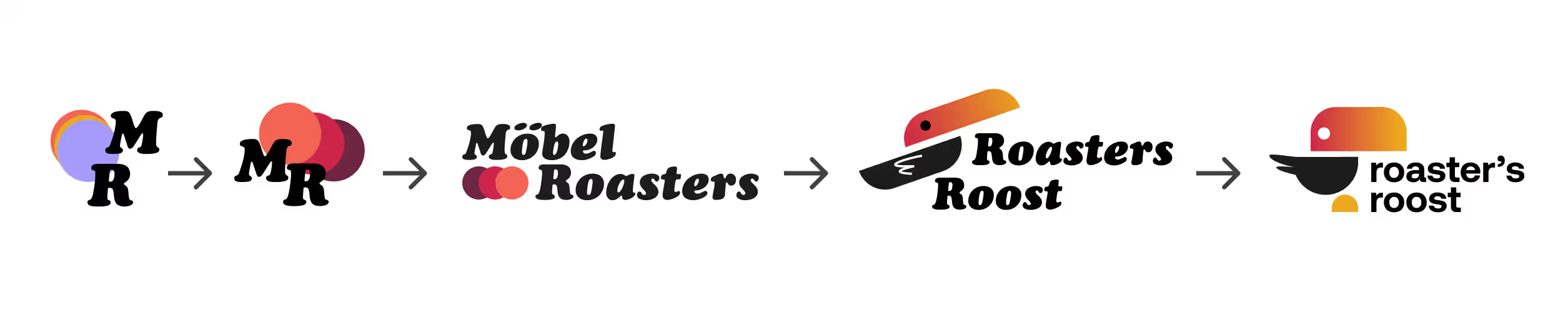
Logo Iteration and Designs
Settling on a toucan to represent our brand, we wanted Roaster’s Roost website to appear soft, cozy, and unique to other café like websites.
Creating the Brand
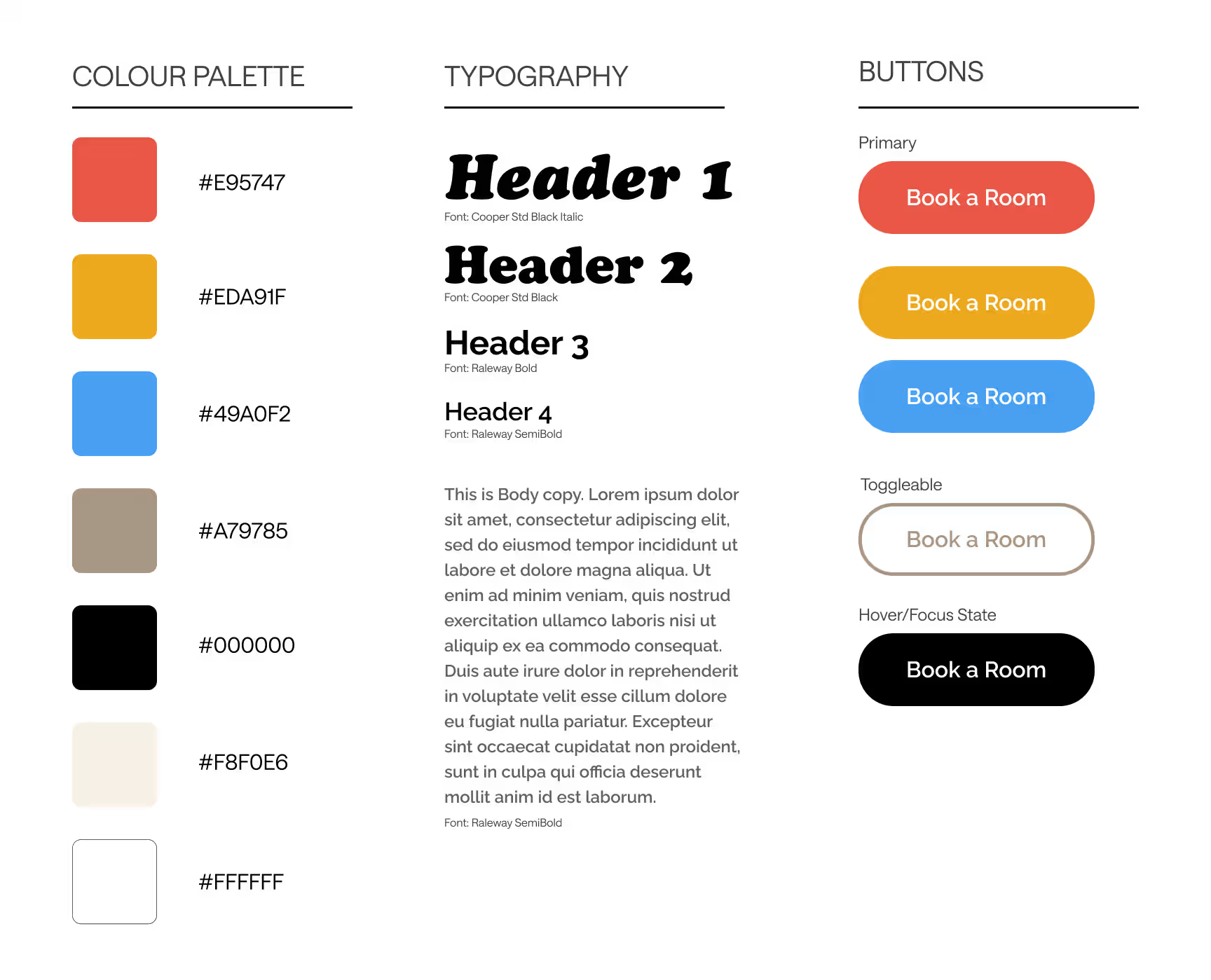
Final Style guide for Roaster’s Roost
To recreate this atmosphere, I used softer primary colours with more light beiges and a welcoming font to achieve the style we wanted.
Designing the Homepage
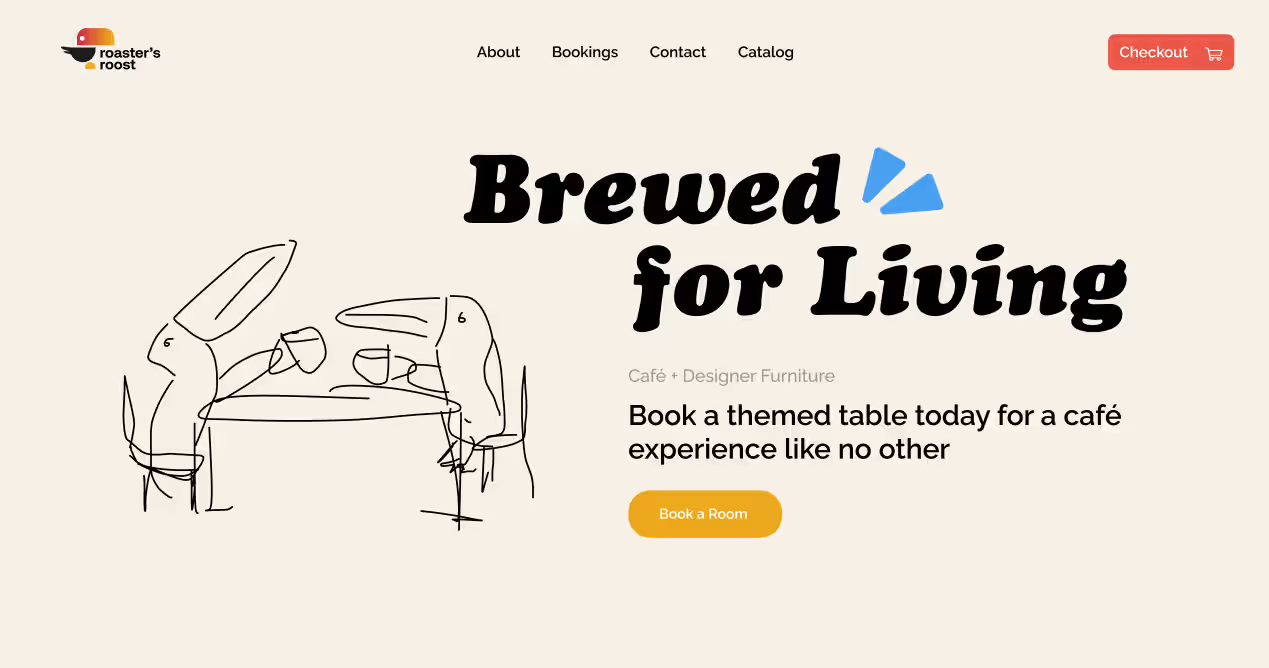
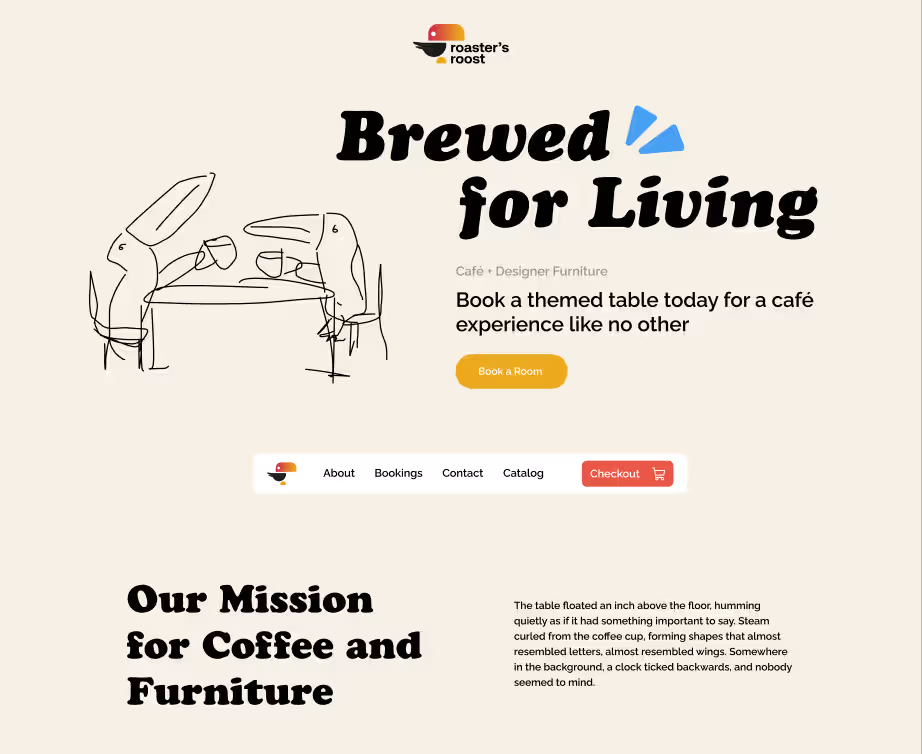
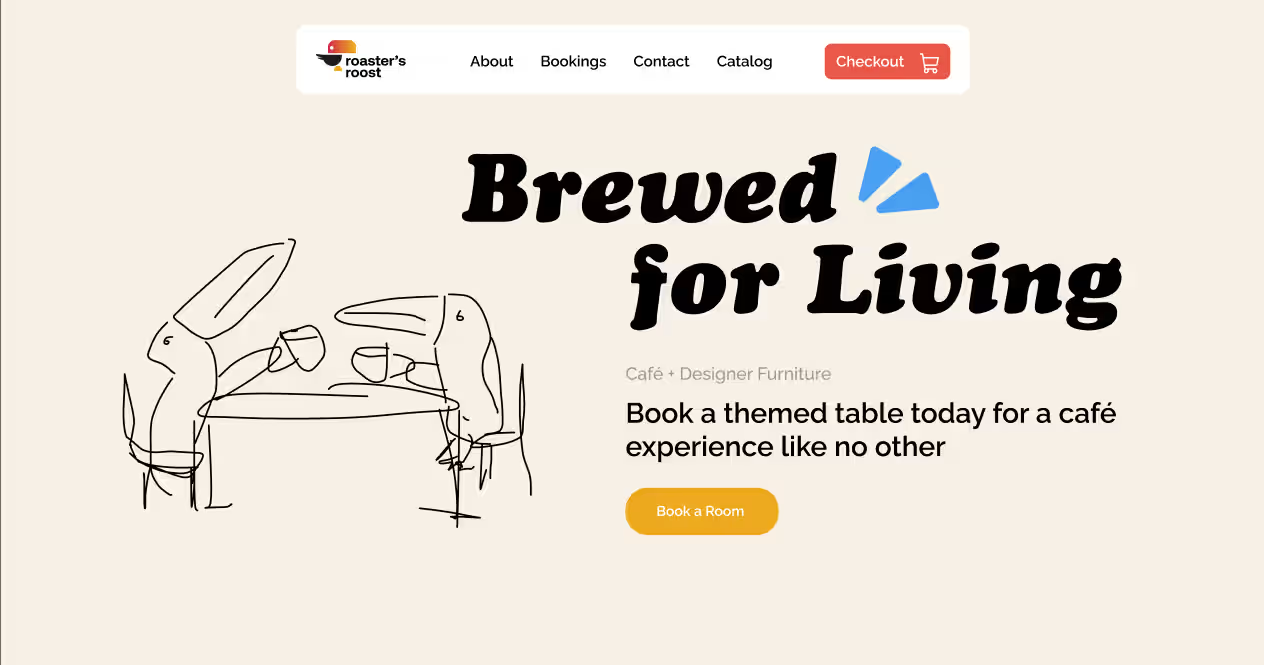
Homepage Drafts
The Importance of Images/ Drawings
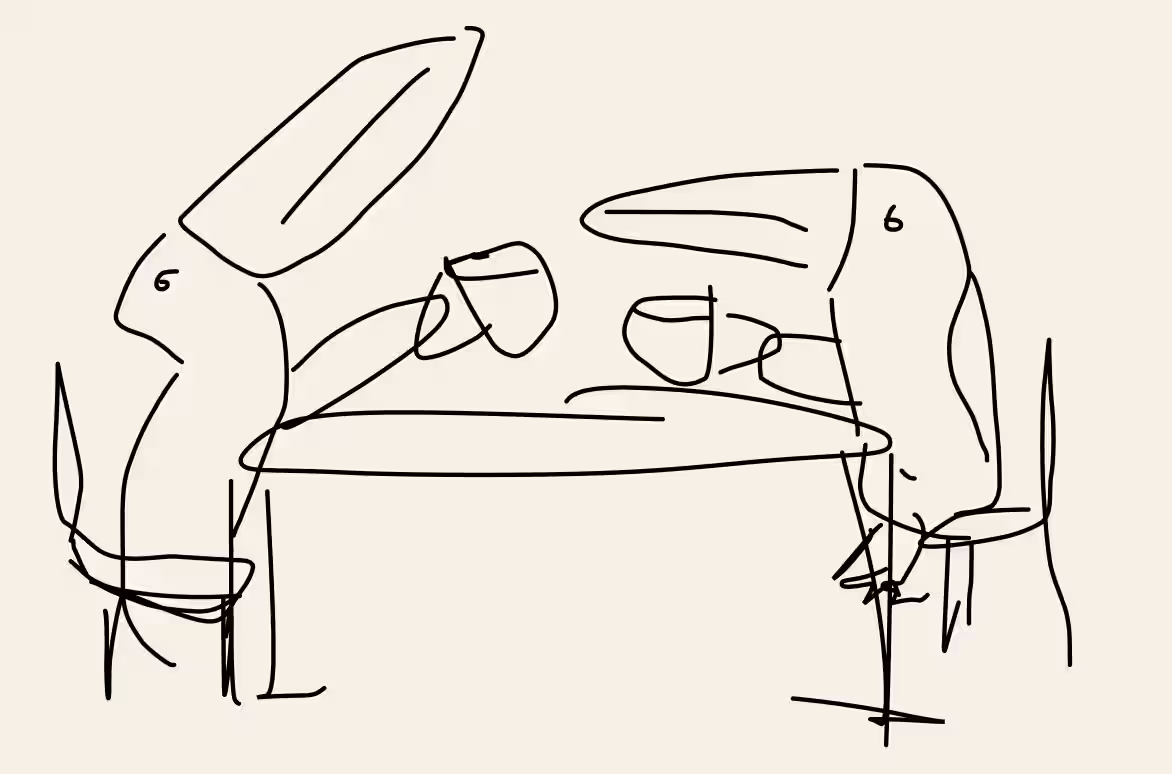
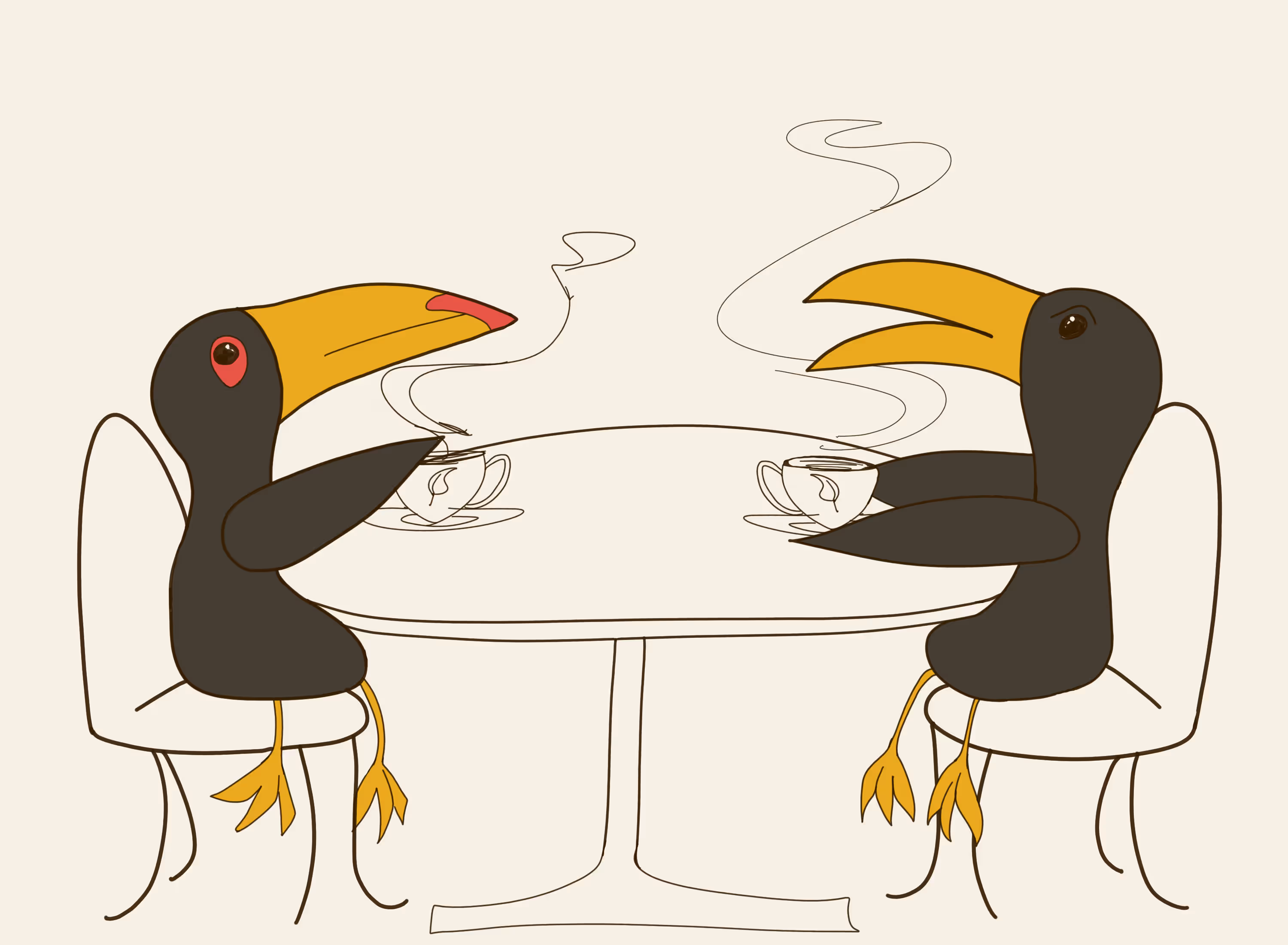
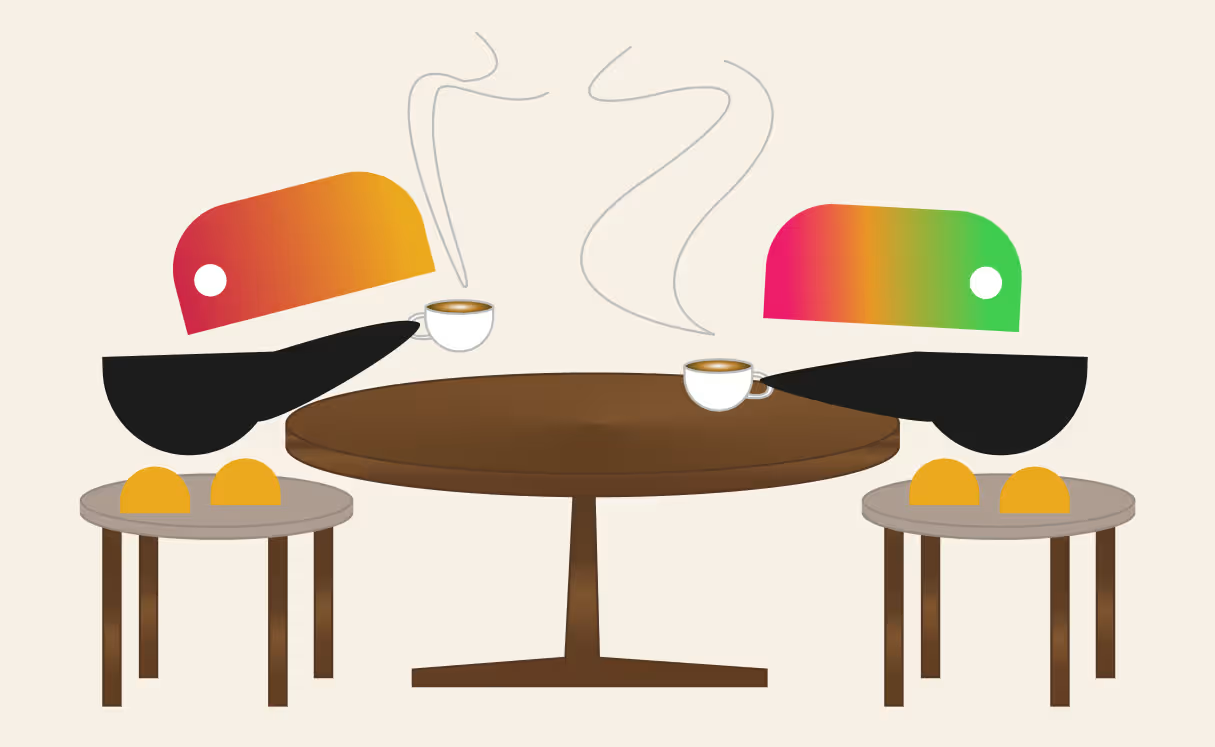
Front Page Drawing Iterations
It was important that our front page graphic represented the company well, as it needed to showcase the unique experience Roaster's Roost offers, where you can try new furniture while enjoying different coffee roasts.
Simulating User Experience
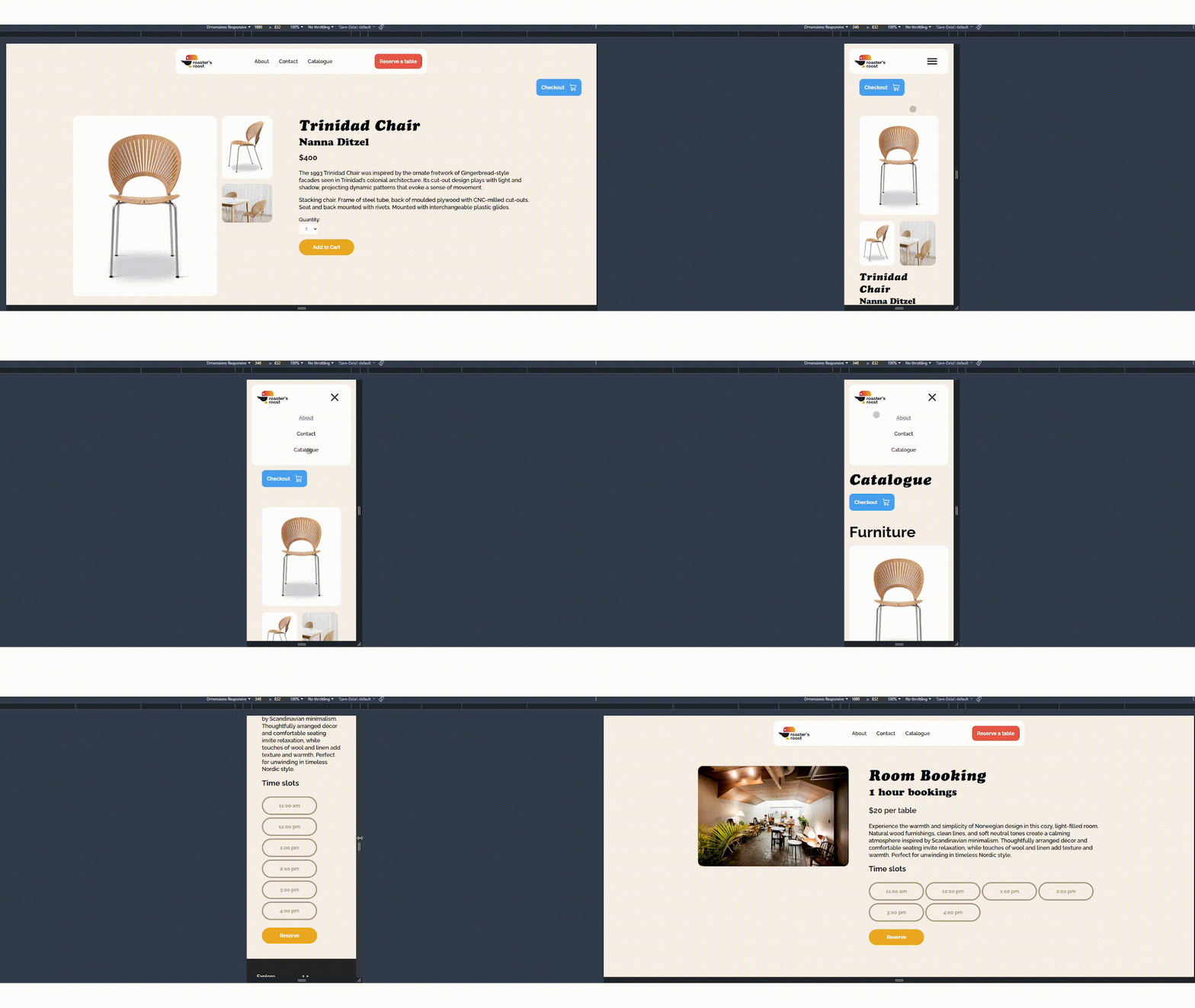
Item Page Showcase
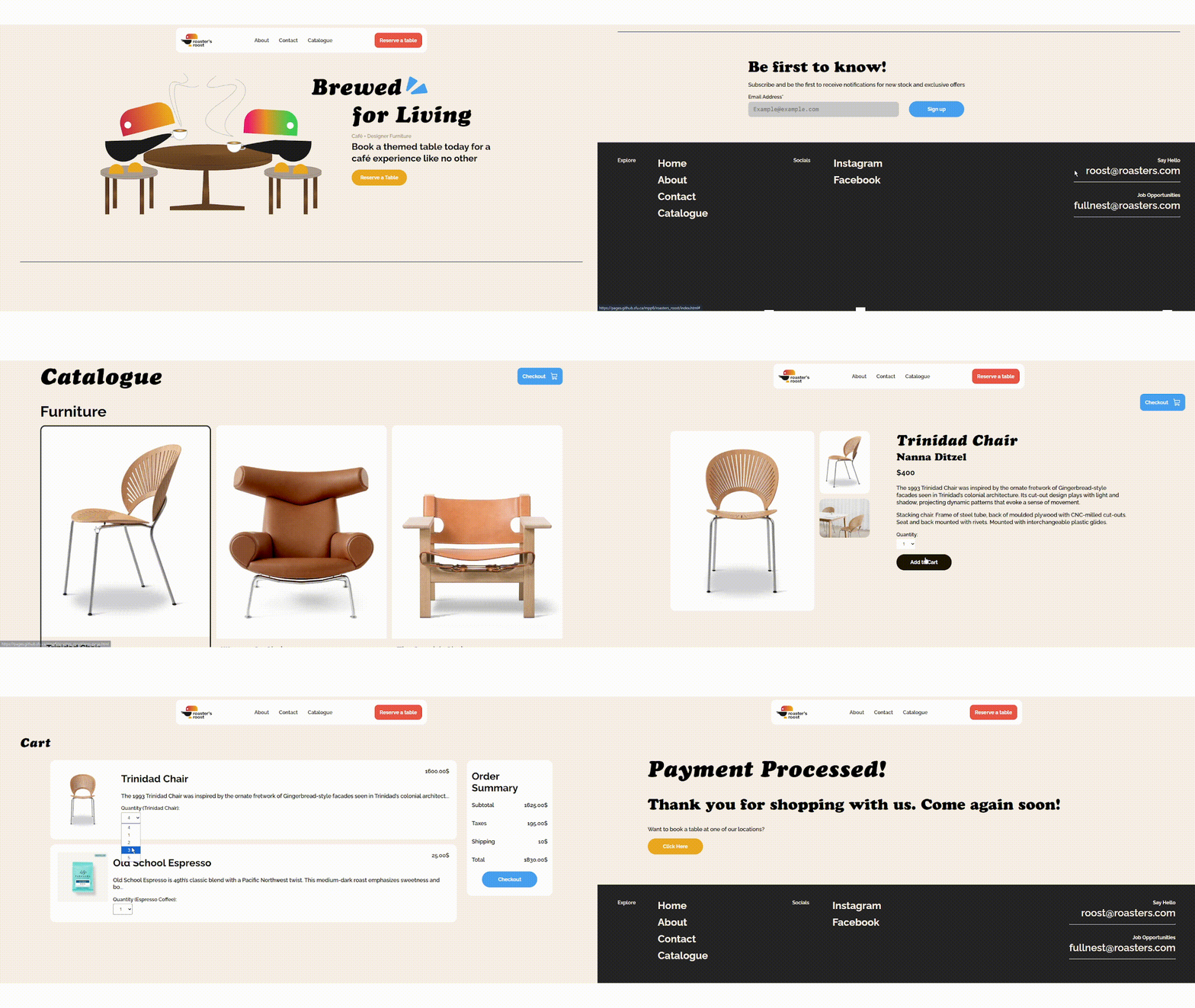
Checkout Walkthough
As the original goal of this project was to create a simulated user experience, we made the user able to add items to their cart and then proceed to a checkout to purchase their desired items.
As we were advertising an in person experience to test furniture and drink coffee in one space, I used JavaScript to recreate a booking room page.
What I Learned
JavaScript’s Benefits and Problems
As this was my first project where I utilized JavaScript I learned that it can create a lot of cool unique interactions and designs on the web but can be a huge hassle for accessibility. I will consider this more when using it in my future projects.
Combining Unlike Ideas
This project had a really cool result because my partner and I had combined previous ideas into one, because we thought things like furniture shopping and cafes were unusual, but we found the similarities of both spaces.